
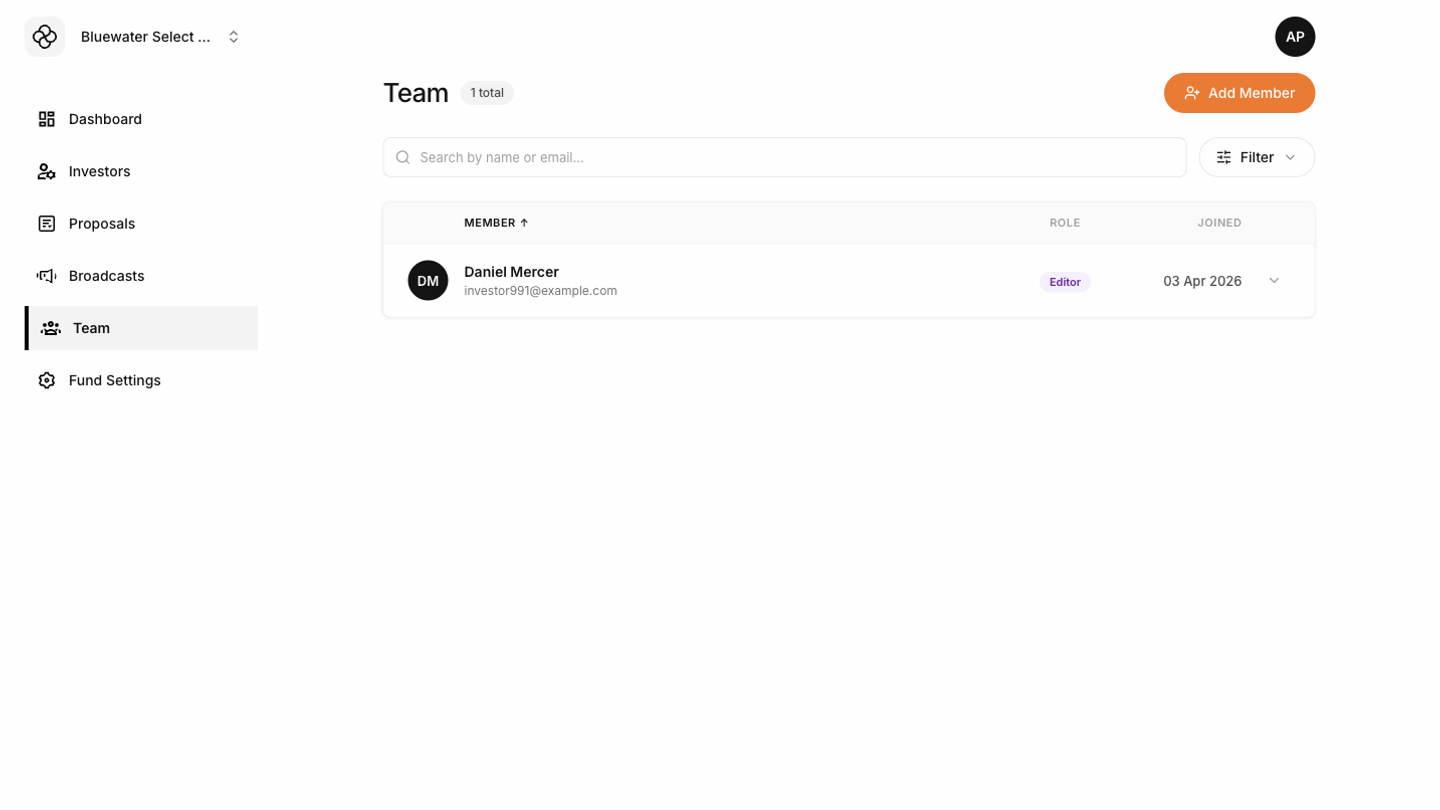
The Team screen lets fund admins manage company-scoped team access. Use it to invite colleagues and adjust what they can do in the selected fund.

Team roles

Demo Team screen showing role-based team access and member records The Tokenee Fund Platform uses roles to control access:
  • Viewer can review fund information without making operational changes.
  • Contributor can help with day-to-day work where permitted.
  • Editor can manage broader operational workflows.
  • Admin can manage team access for the company.
The exact visible menu depends on the role and permissions assigned to the team member.

Inviting a team member

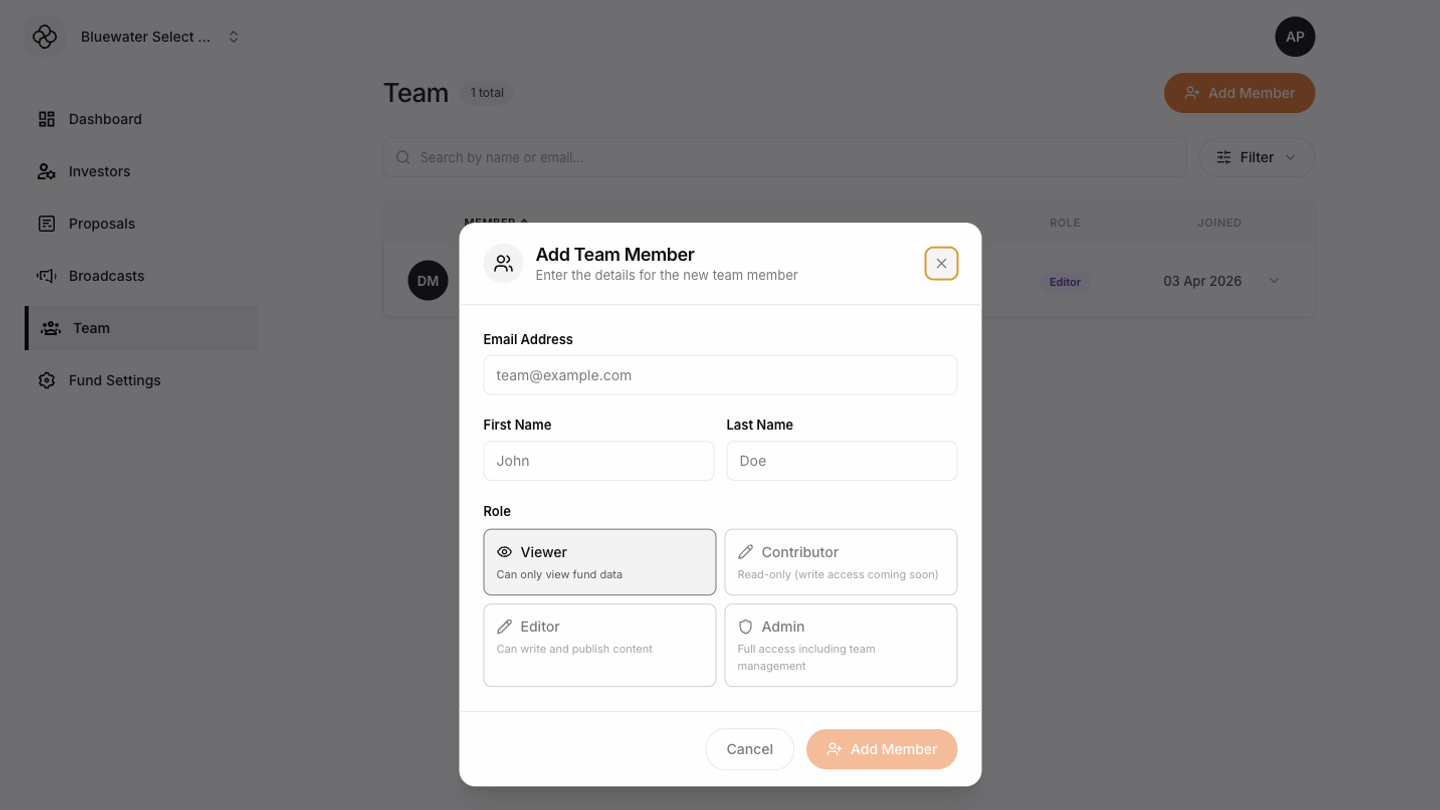
Use the add team member action, enter the person’s details, choose a role, and send the invitation. Choose the least-permissive role that still lets the person do their work. Demo Add Member modal showing role assignment for a team invite
Changing roles

Open a team member record and use Change Role to update access. Changes affect what the person can see and do in the selected fund.

Removing access

Remove team members who no longer need platform access. Review team access regularly, especially after staff changes or fund operations handoffs.