

Proposal statuses
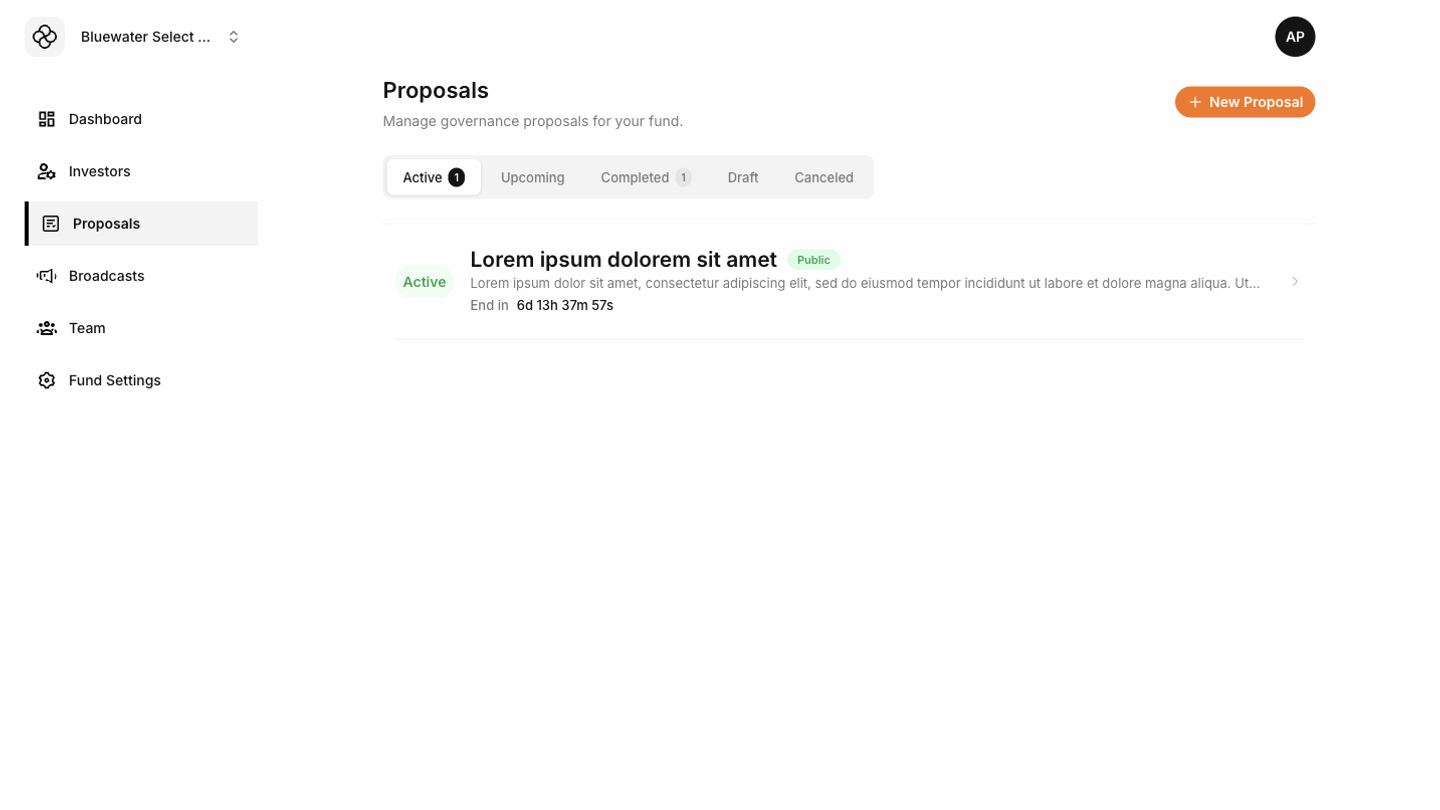
- Draft proposals are not yet available to investors.
- Active proposals are visible to eligible investors during the voting period.
- Closed proposals are no longer open for voting.
- Canceled proposals remain visible to admins as historical records but are no longer active.
Creating a proposal
Start from Proposals and choose the action to create a new proposal. Give the proposal a clear title, description, voting options, and voting window.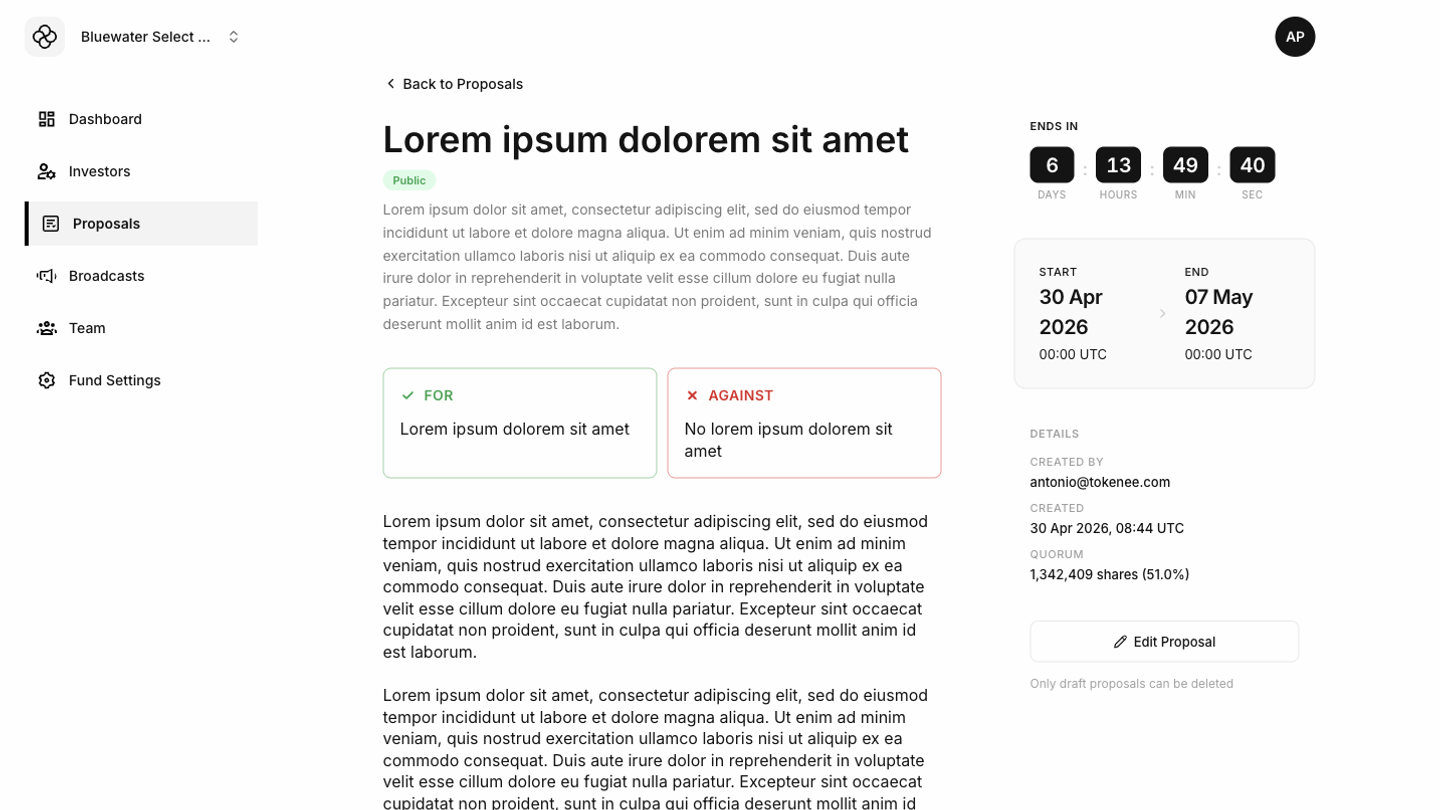 Before publishing, review the proposal from the investor’s point of view. Investors should be able to understand what they are voting on without needing extra context from the fund team.
Editing and deleting
Draft proposals can be edited before they are published. If a draft is no longer needed, delete it from the proposal detail page.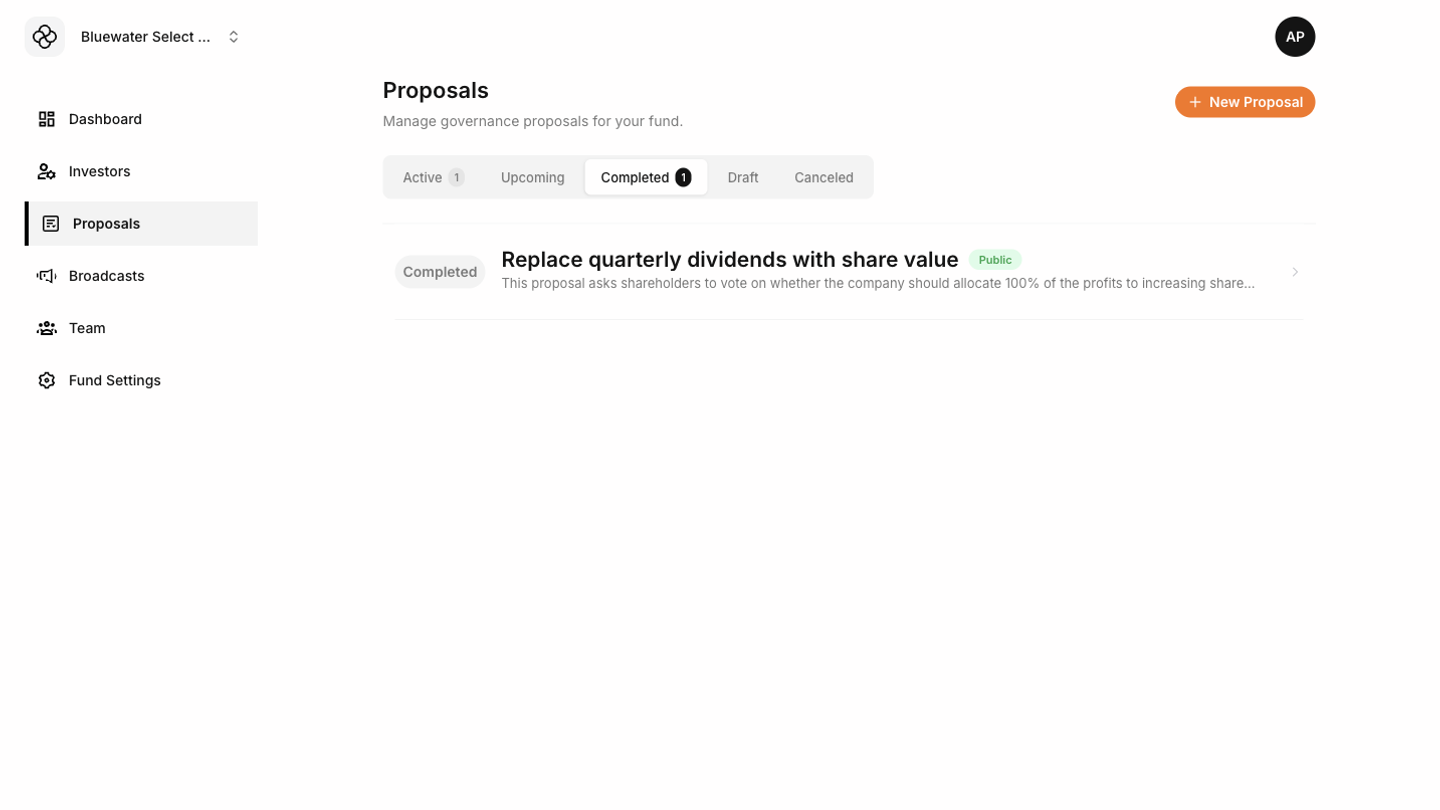 Once a proposal is active or closed, treat it as part of the governance record. Prefer canceling future action instead of rewriting the history of a published vote.