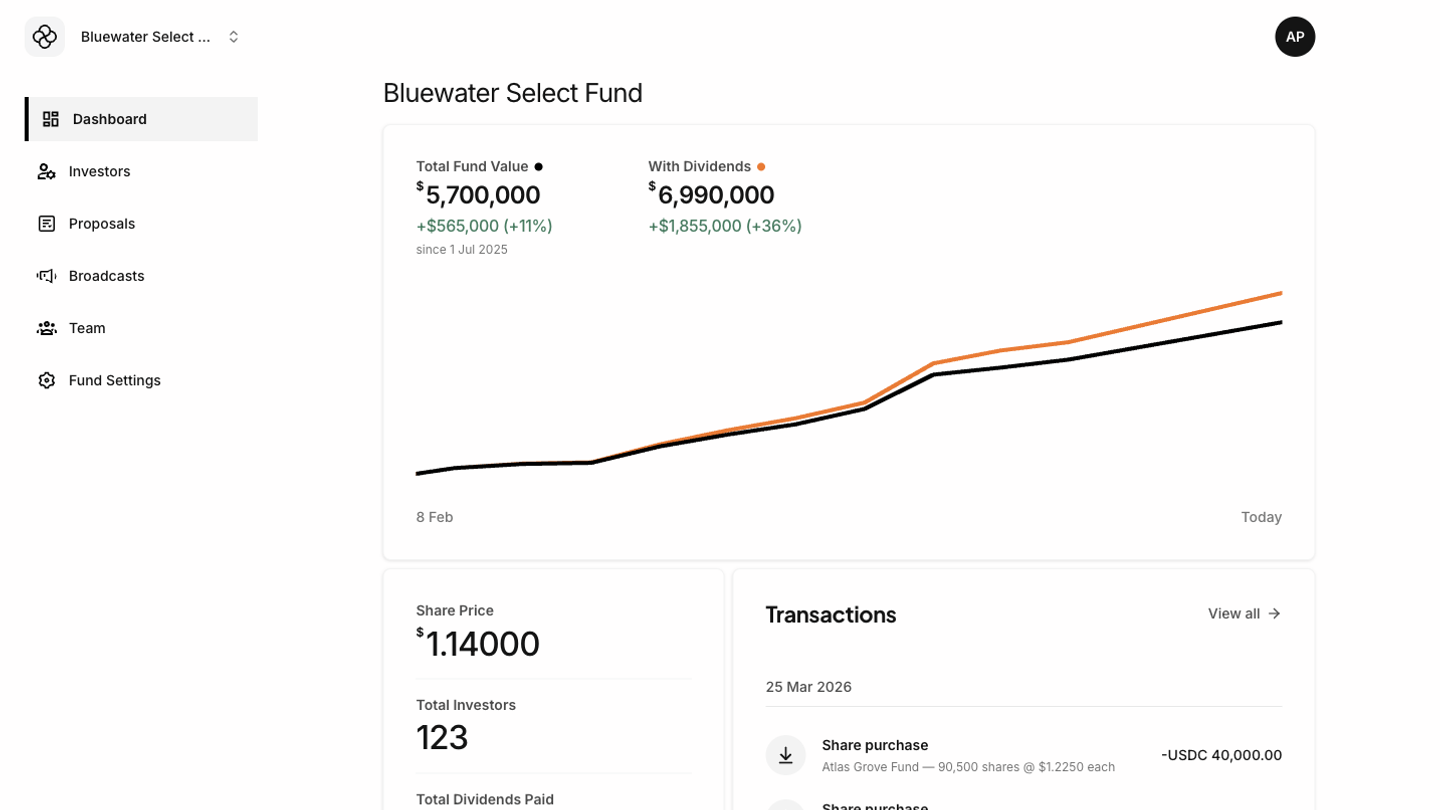
Fund admins use the Tokenee Fund Platform to monitor fund activity, manage investors, create governance proposals, send investor communications, manage team access, and keep fund settings up to date. Your visible menu depends on your role and permissions. A fund admin may see Dashboard, Investors, Proposals, Broadcasts, Team, and Fund Settings. If a menu item is missing, your account may not have the required permission for the selected fund. Demo fund admin dashboard showing admin navigation and fund activity

Common admin tasks

  • Review fund value, share price, investor count, dividends, and recent transactions from the Dashboard.
  • Add or edit investor records from Investors.
  • Use View as investor from an investor record to see the Tokenee Fund Platform from that investor’s perspective.
  • Create and manage governance proposals from Proposals.
  • Draft, preview, send, schedule, or cancel investor communications from Broadcasts.
  • Invite team members and adjust their roles from Team.
  • Update fund identity, wallets, access controls, and portfolio history from Fund Settings.

Working across funds

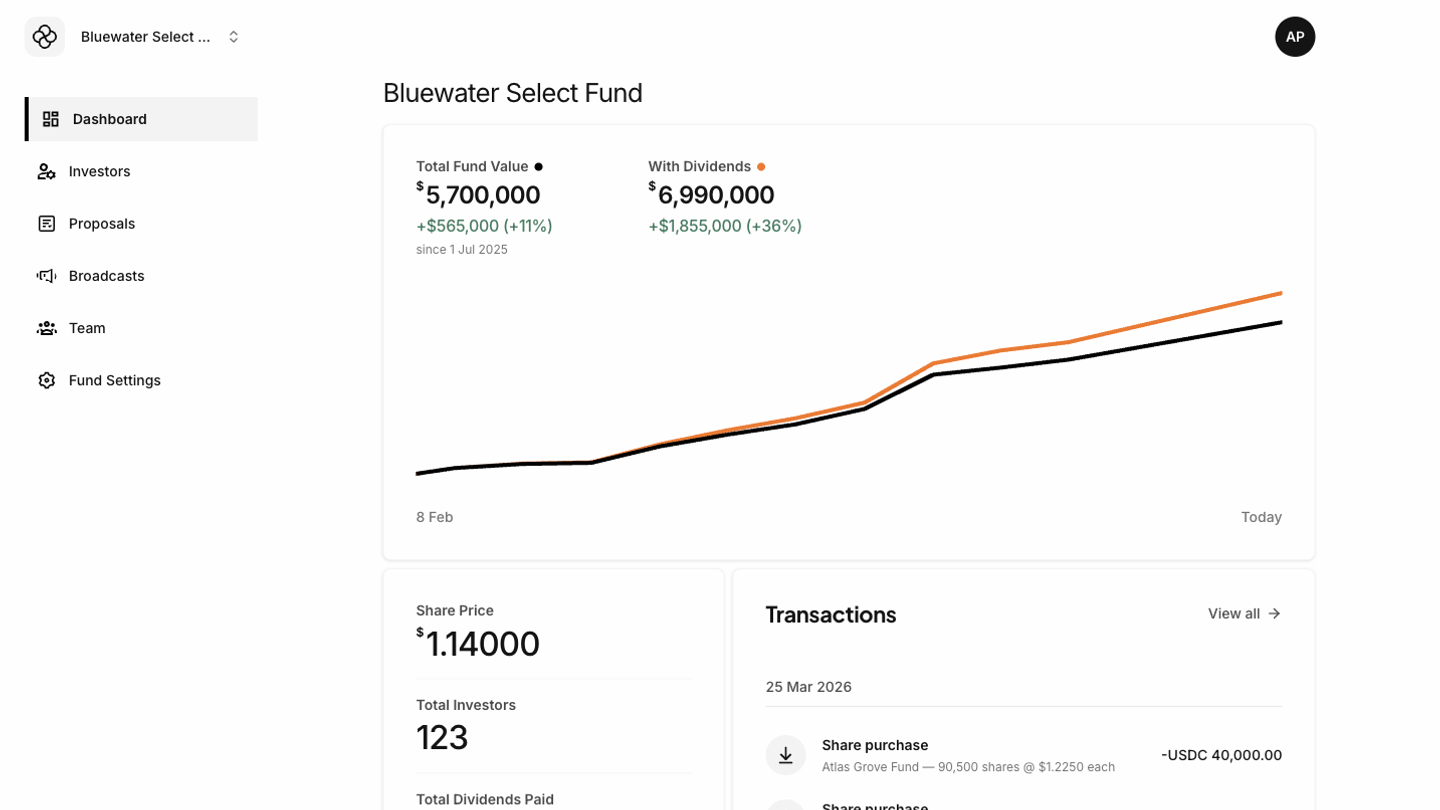
If your account has access to more than one fund, use the fund switcher in the sidebar to change the active fund. The Tokenee Fund Platform updates the visible data, permissions, and navigation for the selected fund. When switching funds, return to the Dashboard before making operational changes. This helps confirm you are working in the intended fund context. Demo fund admin dashboard showing recent activity and transaction monitoring
Impersonating investors

Impersonation lets an admin view the investor experience without signing in as that investor. Use it to confirm what an investor can see, troubleshoot support questions, or verify generated documents. While impersonating, the Tokenee Fund Platform shows the investor navigation instead of the admin navigation. Stop impersonating before returning to admin-only work.