

Broadcast list
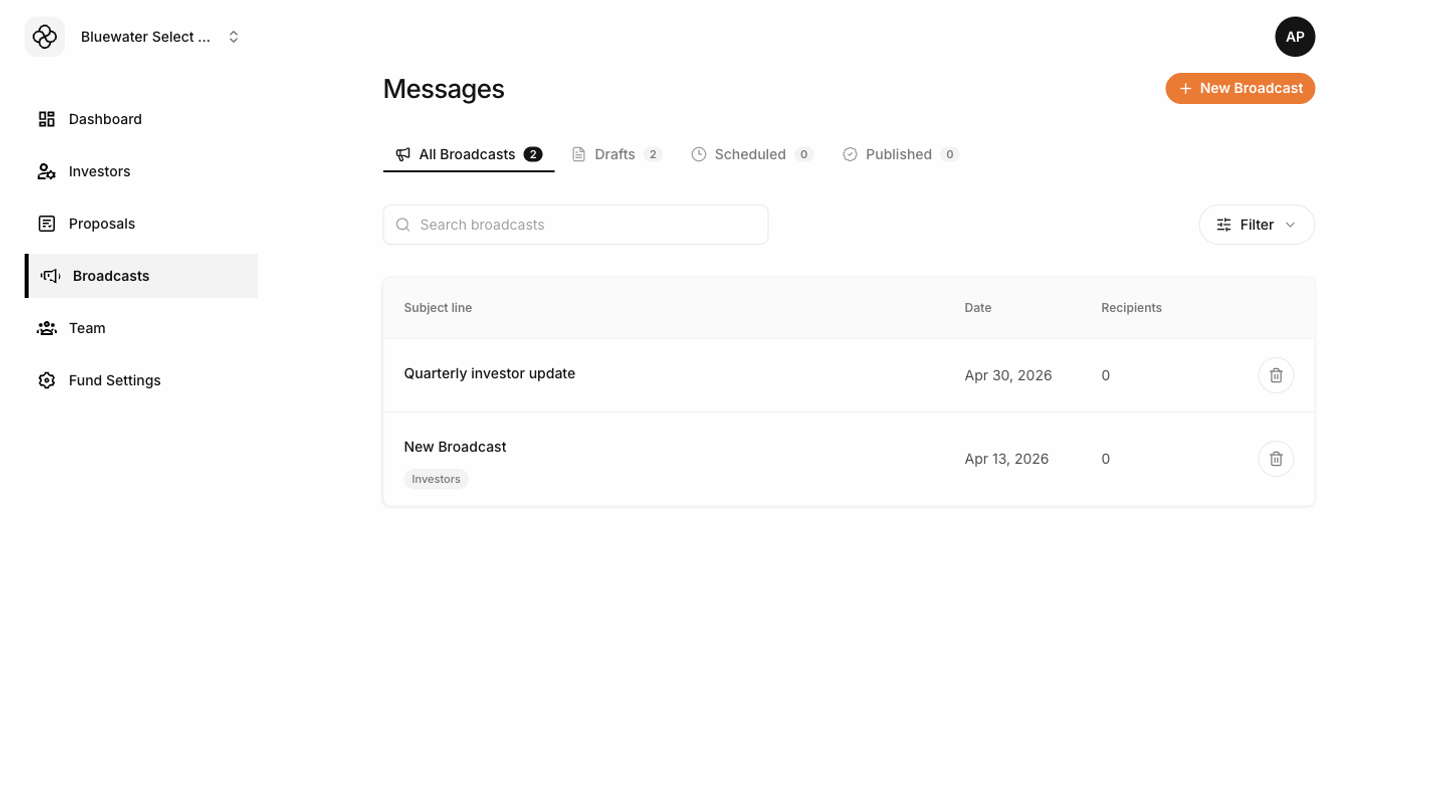 The Broadcasts screen groups communications by status:
- All Broadcasts shows every broadcast.
- Drafts are saved but not sent.
- Scheduled broadcasts are queued for future delivery.
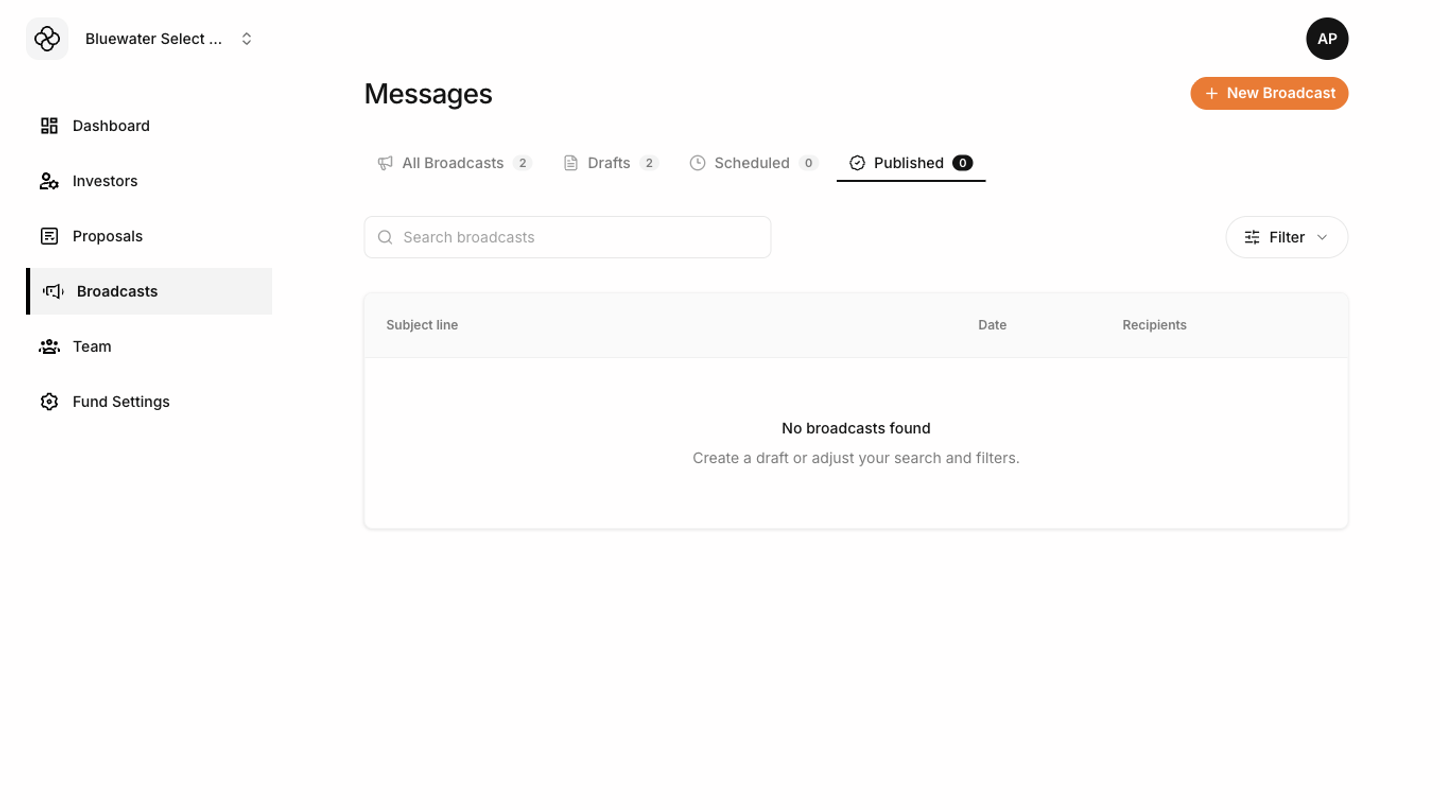
- Published broadcasts have already been sent.
Creating a broadcast
Start a new draft, write the subject, preview text, message content, footer text, and tags. Save the draft as you work.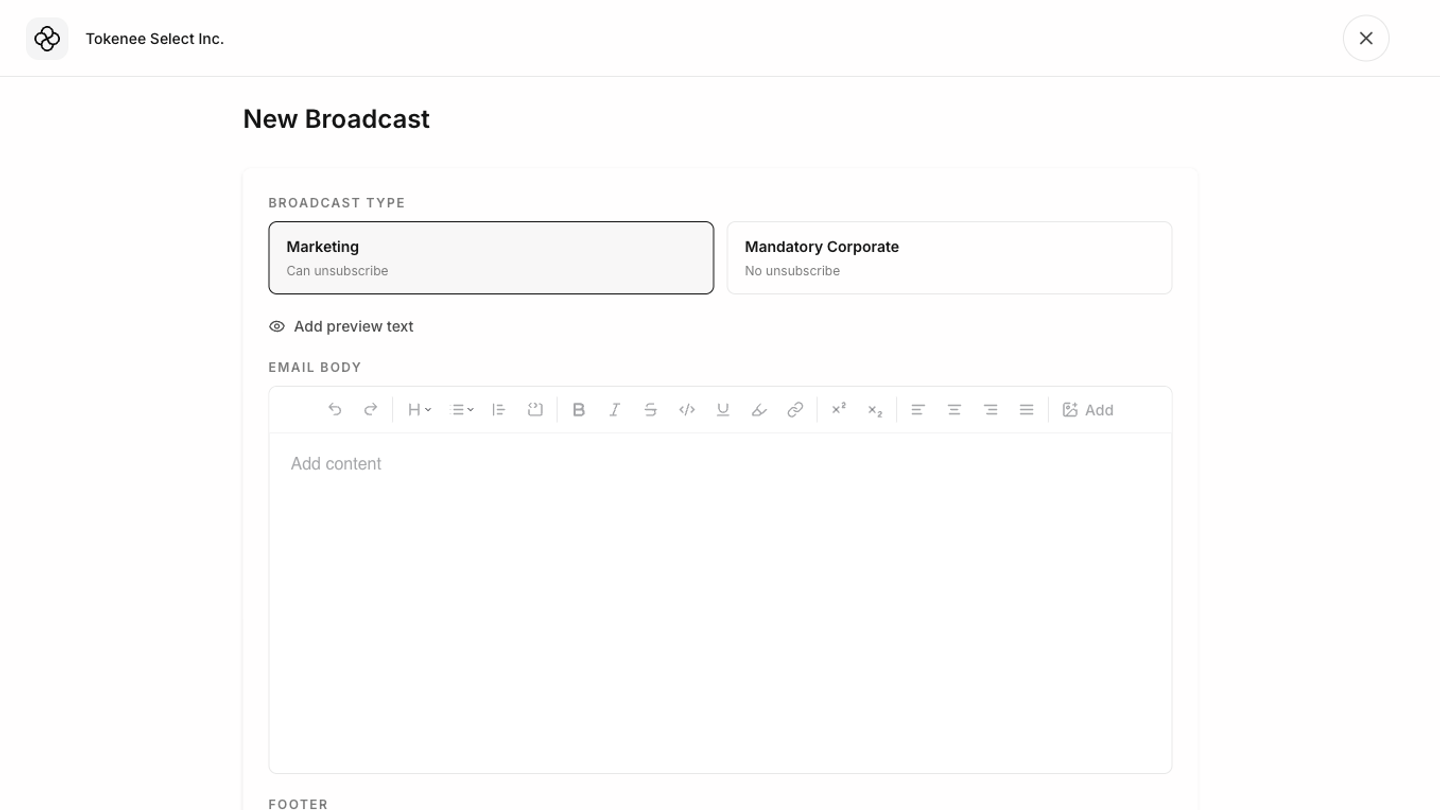 Before sending, preview the message and confirm the audience. Use clear, direct language and avoid including information that should only go to a subset of investors unless the audience selection is correct.
Sending or scheduling
 Choose whether to send immediately or schedule for later. Review the sender, audience, subject, and content before the final send action.
Scheduled broadcasts can be canceled before delivery. Drafts can be deleted if they are no longer needed.
Choose whether to send immediately or schedule for later. Review the sender, audience, subject, and content before the final send action.
Scheduled broadcasts can be canceled before delivery. Drafts can be deleted if they are no longer needed.