
The Subscriptions page lets you generate a subscription note for your completed subscription activity.

Choosing a subscription

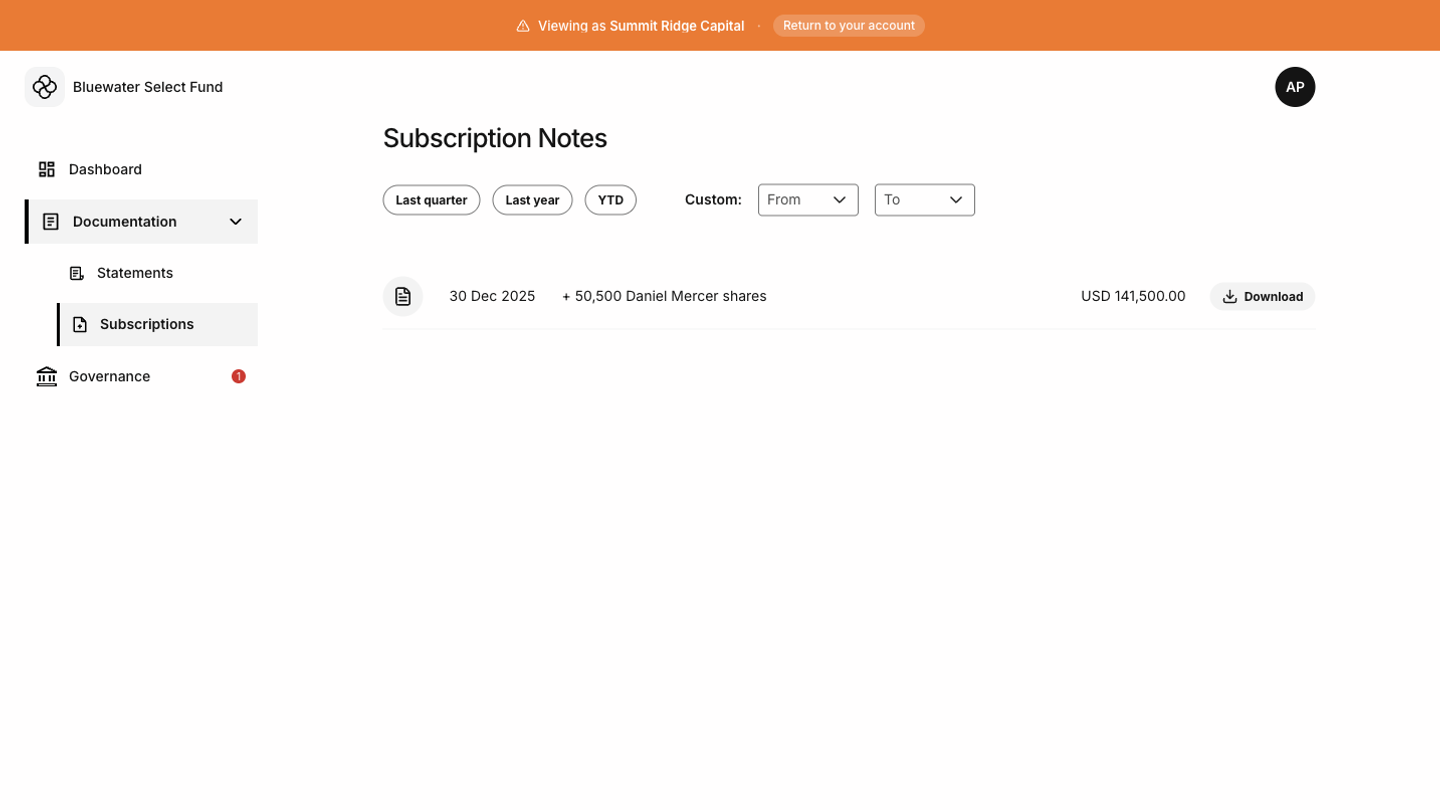
If you have more than one subscription, the Tokenee Fund Platform shows the available subscription notes in the list. Use the quick filters or custom date range to narrow the list to the investment you need to document. Demo Subscription Notes screen showing subscription documents and filters
Generating a subscription note

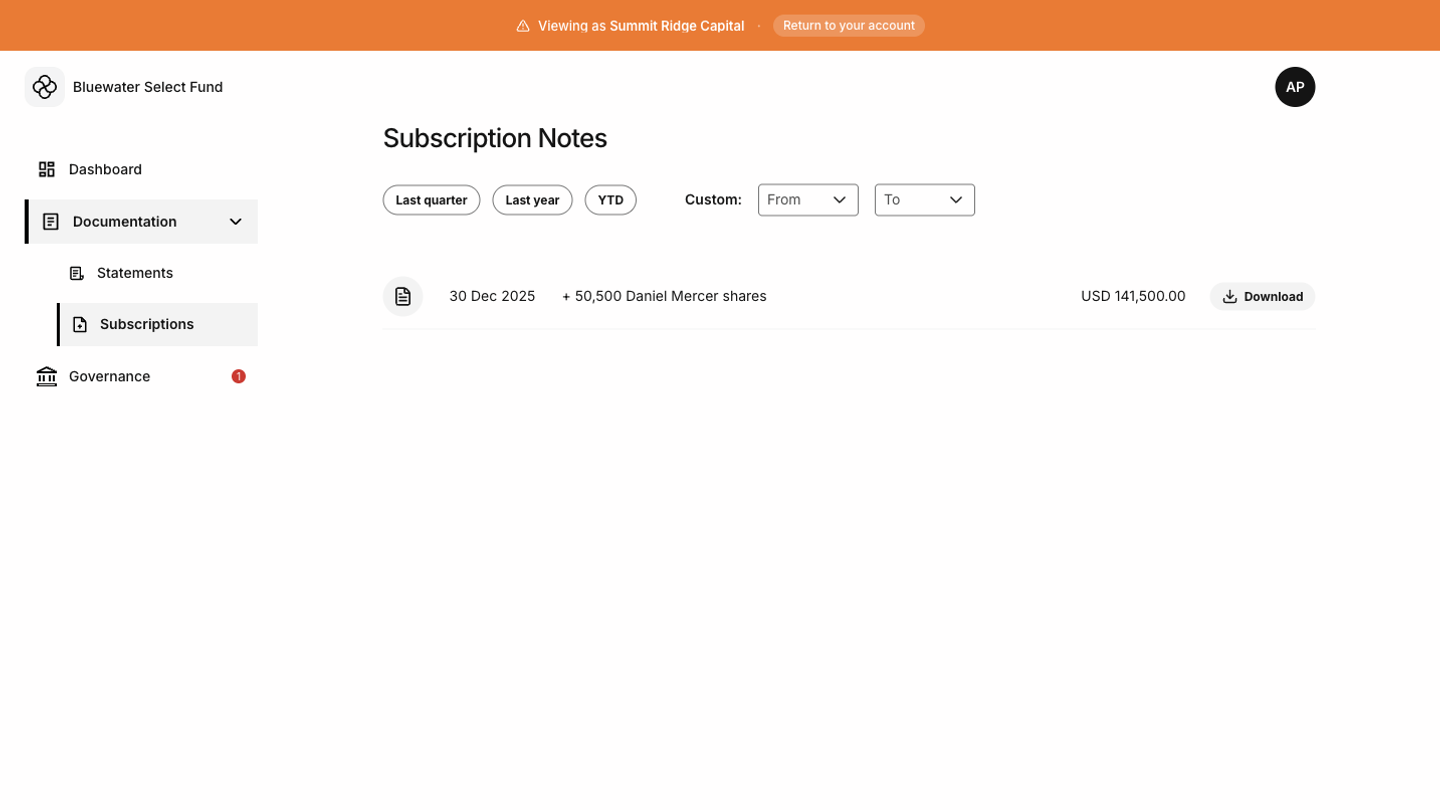
Use the download action on the relevant row. The Tokenee Fund Platform prepares the PDF and provides the document when it is ready. Demo Subscription Notes screen showing a filtered document view
What the note includes

The subscription note summarizes the subscription details recorded for your account. Depending on the fund and region, the document may include investor details, share count, share price, payment information, issue date, and fund details.

When to contact the fund

Contact your fund administrator if the subscription you need is missing, the date or amount looks incorrect, or the generated document does not match your records.