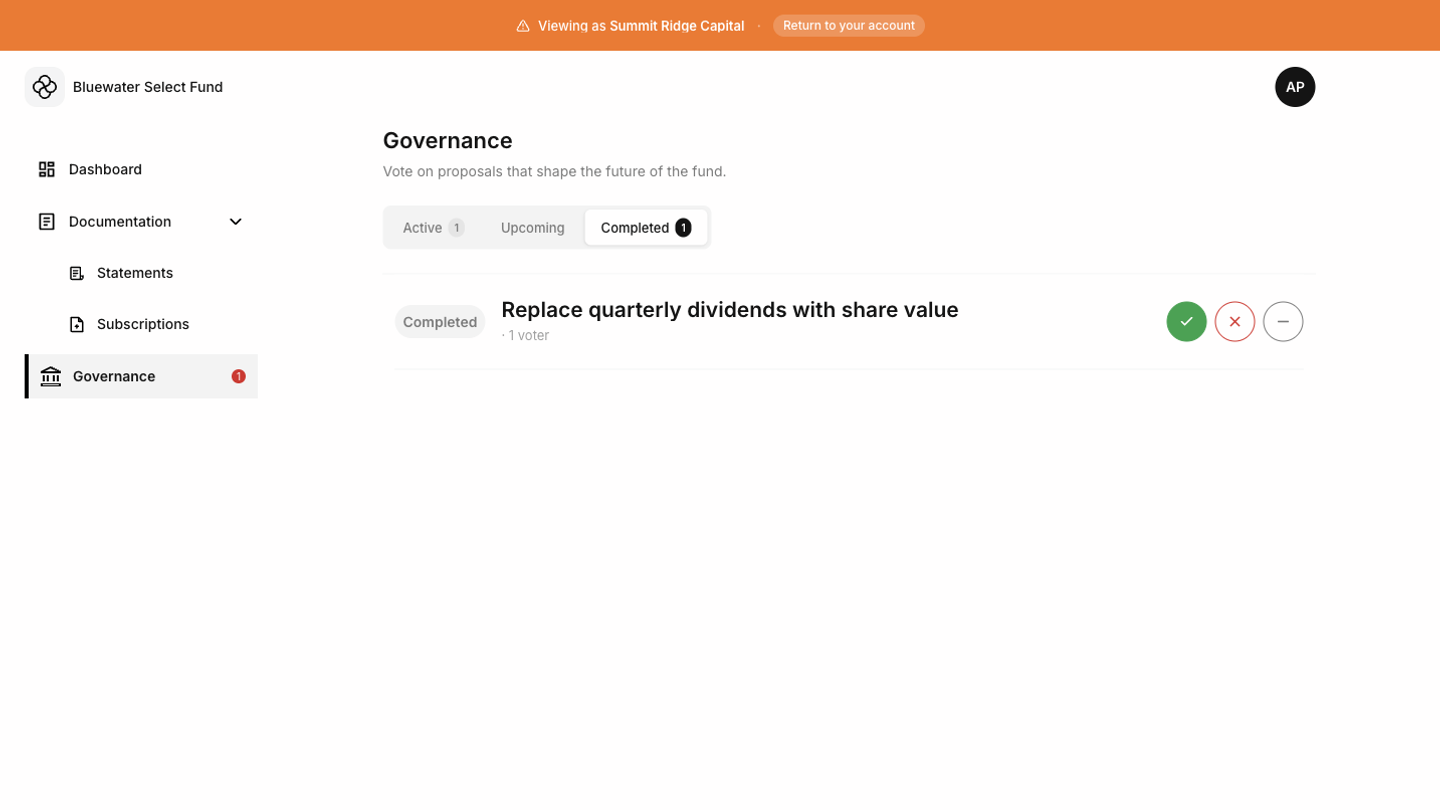

Proposal list
The Governance page shows proposals available to your account. Active proposals may show voting status and deadline information.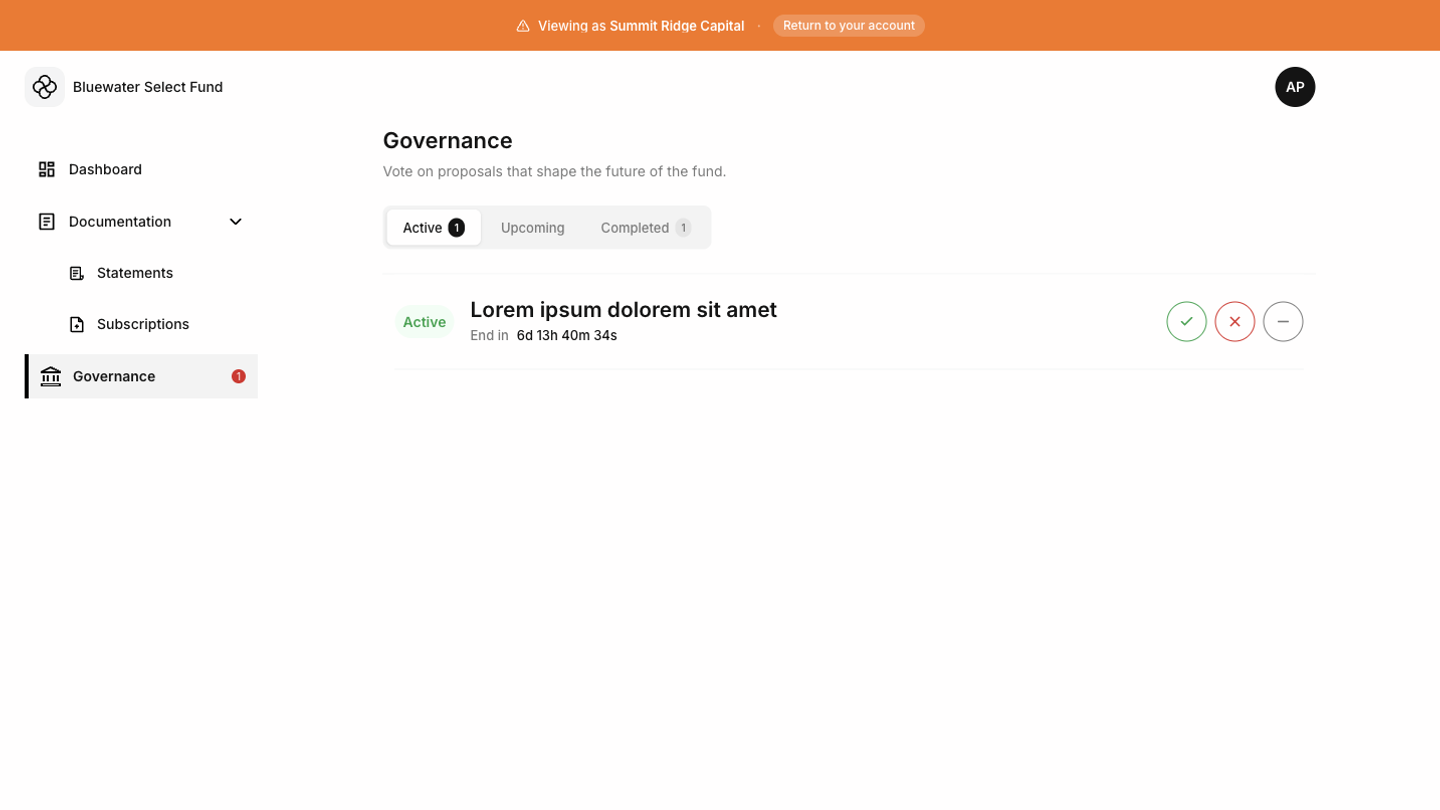 If there are active proposals you have not voted on, the Tokenee Fund Platform may show an alert count in the navigation.
Reviewing a proposal
Open a proposal to read the details, voting options, supporting information, and voting window. Read the full proposal before choosing an option.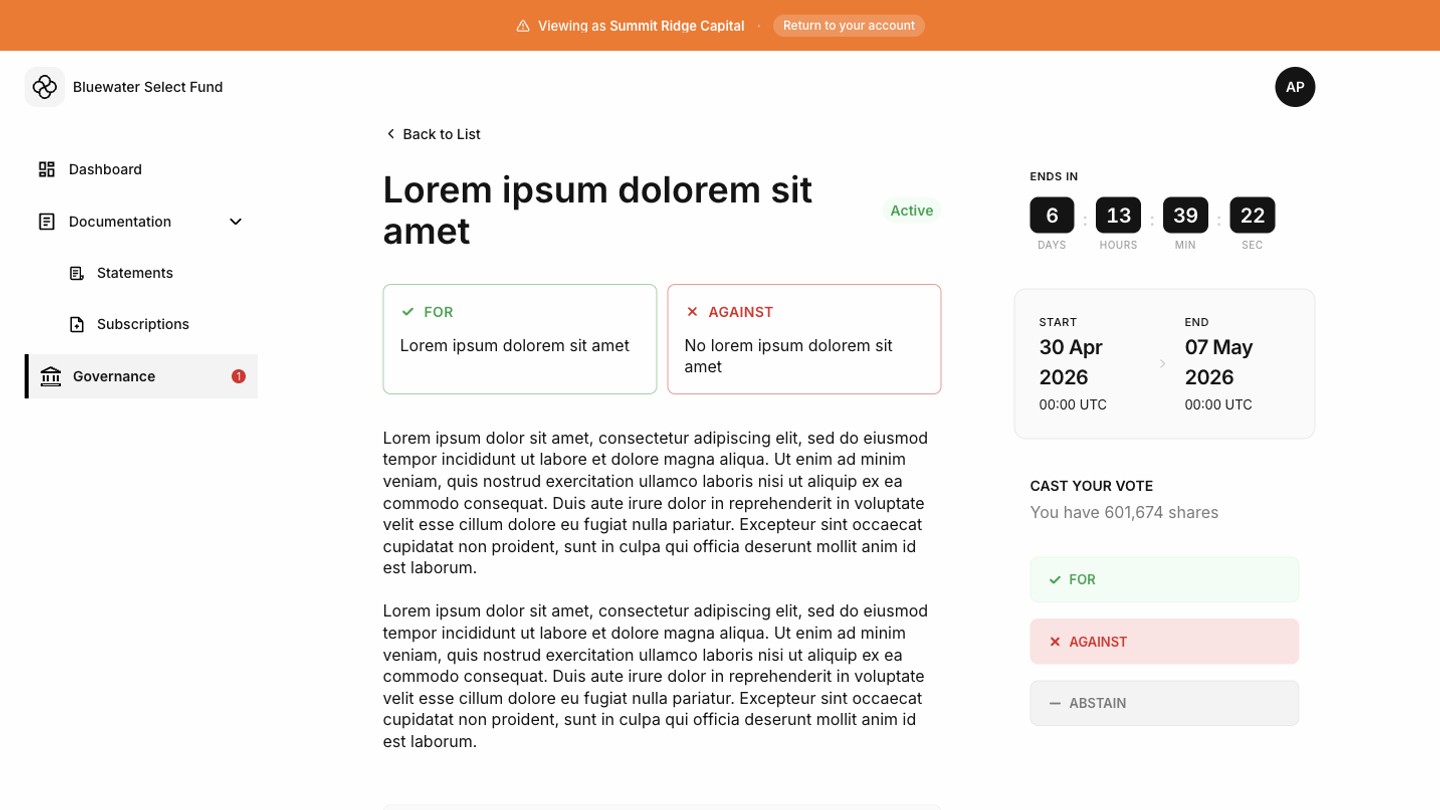
Voting
Choose your vote and submit it before the voting deadline. After voting, confirm that the page shows your submitted choice or updated voting state.Closed proposals
Closed proposals remain available for review when the fund keeps them visible. You can read the outcome or historical details, but voting is no longer available after the proposal closes.