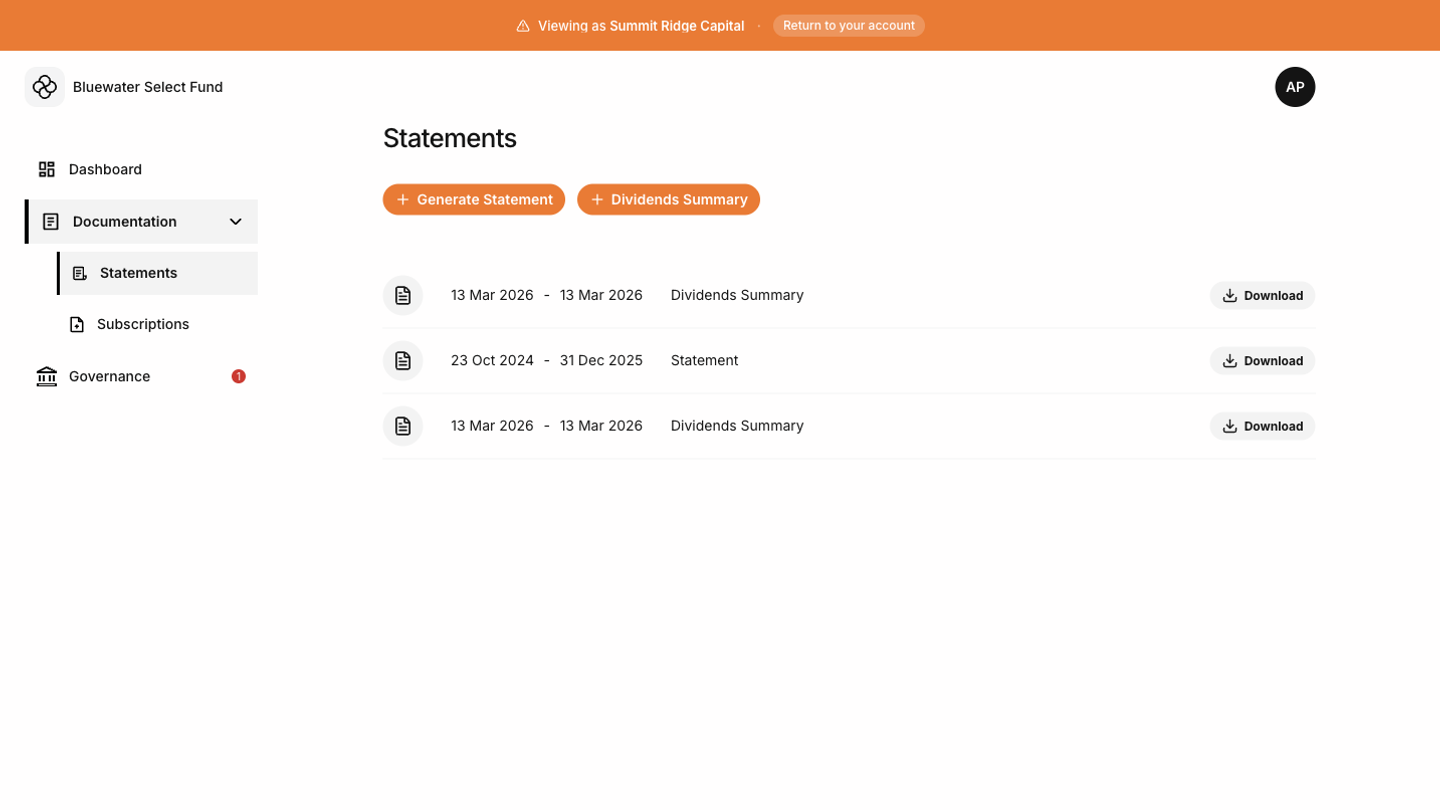

Account statements
Use Generate Statement to create a statement for a selected date range. Choose the start and end dates carefully, then generate the document.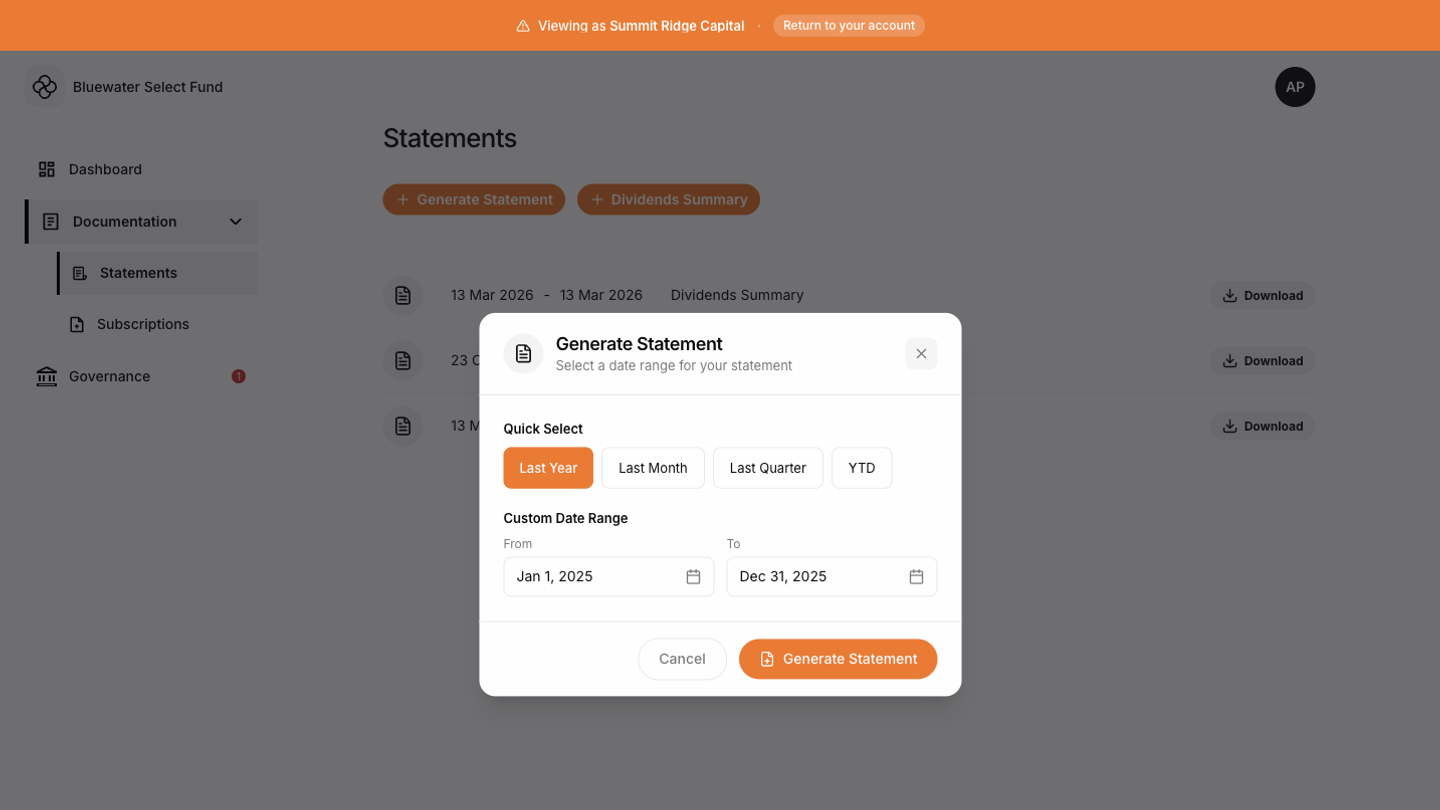 When the statement is ready, download it from the ready screen or from your statement history.
Dividends summaries
If your account has dividends, the Tokenee Fund Platform may also show a Dividends Summary option. Use it to generate a document focused on dividend activity. If you have no dividends, this option is hidden.Document history
Generated documents appear in the list after they are created. Use the download action to retrieve an existing document instead of generating a duplicate when the existing date range already matches what you need.